
Is there a Word template for a picture book, with bleed, that fits KDP?
- Your trim size, with and without bleed: 8.5 x 8.5, 8 x 10 and 8.5 x 11 inches, each for 24, 32 and 40 pages.
- Picture boxes at the exact page size, with the pixel size at 300 ppi written inside, so Change Picture keeps the size and the place.
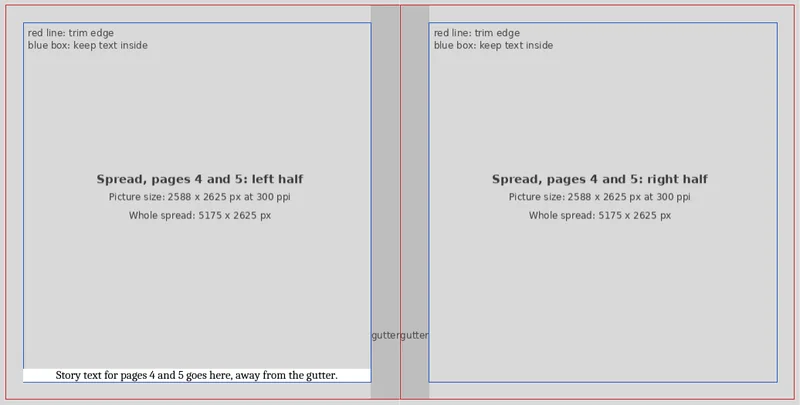
- Text kept out of the gutter: a blue box marks where words can sit, and a darker band shows the gutter.
- Storyboards to plan the book on paper before you place a picture, for 24, 32 and 40 pages.
- A 6-page guide on putting a picture to the edge and exporting the PDF for KDP.
One payment. If it isn't useful, email me within 7 days of buying and I'll refund you in full.

What the pages look like
What is inside
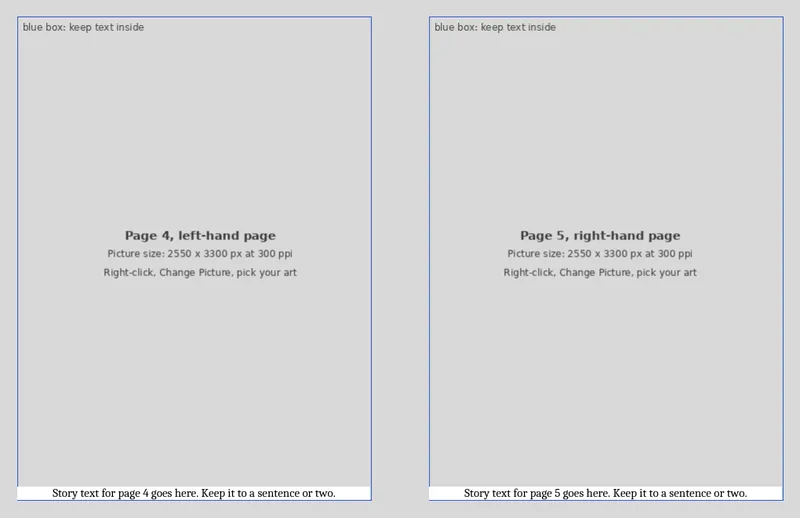
- Full-page art: 18 Word files, with a picture on every page and a text panel at the foot.
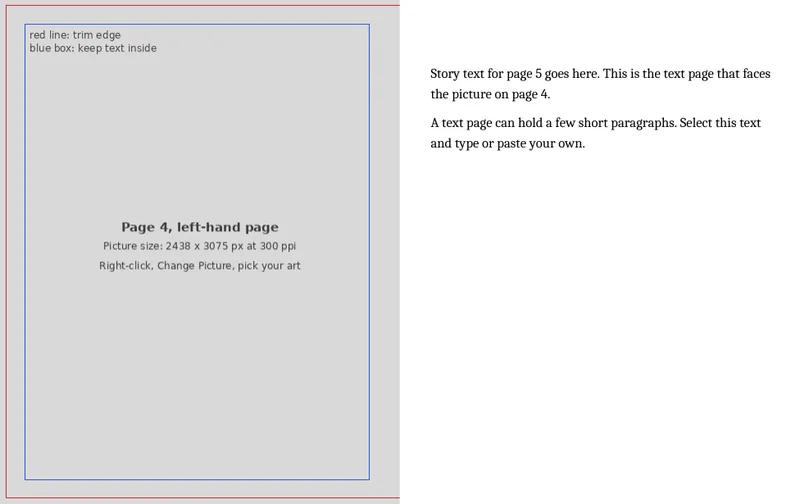
- Art and text: 18 Word files, with the picture on every left page and a text page facing it.
- Spreads: 18 Word files, with each picture split across the two pages and the gutter marked.
- A one-page picture size table: the page size and the picture size in pixels for each trim, with and without bleed.
- A 3-page storyboard in PDF for 24, 32 and 40 pages, to print and sketch on.
- A 6-page PDF guide.
Each layout has a file for every trim size, with and without bleed, at 24, 32 and 40 pages. Every file starts with a title page, a copyright page, a dedication, then your story pages, "The End" and an about the author page. The pages are numbered the way a picture book planner numbers them, with page 1 alone on the right. The margins are mirrored and at or above KDP's minimums. The pictures are grey boxes, so there are no illustrations in the pack. The fonts are Cambria and Calibri, which Word already has.
Who it is for
It is for you if you are laying out your own picture book in Word and want the page size, the bleed and the margins set for you, rather than worked out from KDP's help pages. You bring the pictures and the words.
Who it is not for
If your book is mostly text, use the Book Interior Template Pack instead. If you want the book laid out for you, that is my book formatting service.
What you need
Word, on Windows or Mac, and your own pictures. I checked the files in LibreOffice but could not open them in Word, so a text panel may need a nudge when you first add words. The guide says what to check. KDP prints a colour book of 24, 32 or 40 pages in Premium colour, because its Standard colour starts at 72 pages; the guide shows where KDP says so.
Questions
What do I get?
A zip file with 54 Word files and the three PDFs. You get the download link straight after you pay.
Are the sizes right for KDP?
The size table follows KDP's help page on trim size, bleed and margins, which I read on 17-Nov-26. KDP can change its rules, so the guide links the page for you to check.
What if it isn't useful?
Email me within 7 days of buying and I'll refund you in full. The 7 days count from the date you bought it.